Before we start — What do we need?
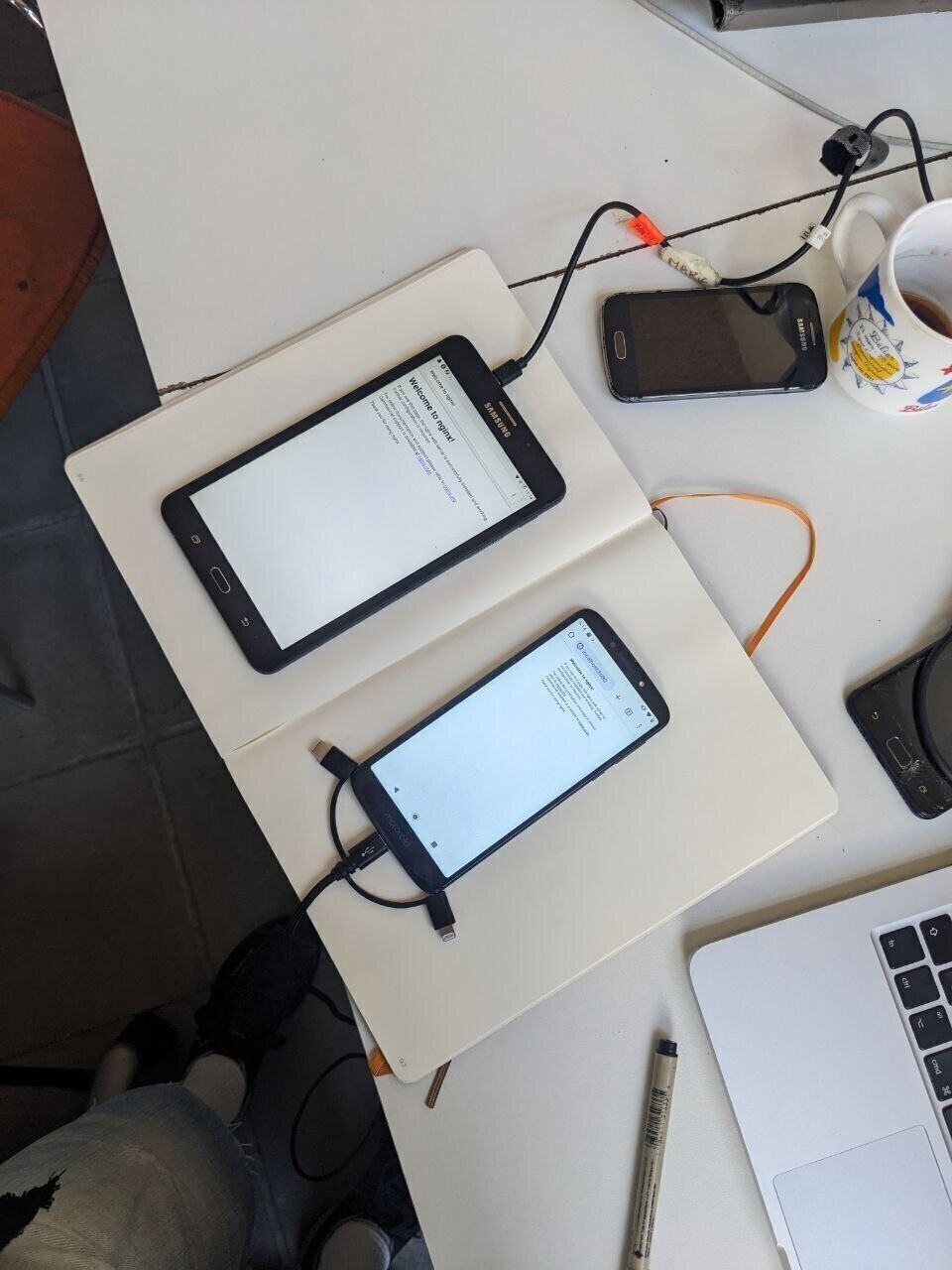
We need… A smartphone
This tutorial is made for Android smartphones and tablets from the last 10 years (2015-2025). In case your phone is older than 10 years, not an Android phone, or you are working with a laptop, look below at the alternatives.
You can use your daily phone or an older “retired” device. It can be a bit damaged but the following features are necessary:
- Android 5 or above (Android 7 or above is preferable) (check in Settings > About Phone)
- The Wi-Fi functions.
- The charging port works.
Optional but better:
- The touch screen works, even though it could be shattered. If you don’t have a working screen, check out these solutions.
- The battery functions, or you have an external battery.
Alternatives
iPhones and iPads
Termux — the app we use in this tutorial — is not available on iOS but there is an alternative app called iSH available on iOS 11 and +. Some web-server tutorials are available online (using iSH and python web-server).
PostMarketOS
If your Android phone is simply too old, cannot update or you are looking for a different (radical) approach, check out PostMarketOS.
PostMarketOS is an alternative Linux OS that is free, open-source and community maintained. You can install it as a replacement for Android and extends your phone’s lifespan beyond its programmed software obsolescence (lack of updates). You can then easily install the web-server software of your choice, following a linux web-server tutorial.
more info will be added here.
Laptops
If you don’t have a spare phone but a spare laptop, you can install Linux on it and deploy a web-server too. Simply look for “installing nginx on Linux” tutorial.
Factory Reset your phone + Google’s FRP (optional)
This step is optional, but it might be handy to clean up your phone before deploying it as a web-server. It will give you more storage space, and prevent other apps to overtake computing power.
To do this, online search your device model + factory reset. You will find some instructions to access the boot mode of your computer, from which you can select wipe phone or factory reset. A good website is Hard Reset.
Before you reset your phone:
- Back-up the the contents your want to save, it will be erased.
- Make sure to disconnect any Google Account in Settings > Accounts. Otherwise you risk facing Google’s FRP protection prompting you to login again to the previous Google account, which would make your phone (almost) unusable. This makes it harder to start with a phone you bought or got from someone else.
Smartphone set-up
Make sure your phone is:
- Accessible (you have the password)
- Connected with the internet on a Wi-Fi network
- Equipped with a web-browser (for example, Mozilla Firefox or Chromium).