What is this workshop about?
In this workshop we collectively examine the infrastructure behind the Internet by building a our own (prototype) server on an old smartphone.
Since the democratisation of the Internet in the 90s, the operations and communications we perform on the Internet have kept rising massively. Nowadays, we often hear about the cloud, as a way to describe all the online services that we access daily, such as emails, social media, data storage, video-streaming, AI chat bots, etc. But what does the Internet look like behind this fog screen?
Although it might seem light and airy, the Internet’s virtual world is actually made of tangible infrastructures with a rising ecological footprint.
The mobile phone as an entry point
This investigation into the materiality of the internet starts by the most intimate and familiar object: the smartphone. This device is also our “window” to the internet since it is so dependant on the so-called “cloud”: our modern phone’s power lies in all the servers it’s accessing remotely. Nowadays it sometimes feels like a phone without an online connection isn’t much use. However, a smartphone is also an highly optimised, low-power computer——a device capable of computation——just in a different form factor than that of a laptop or a rack server. Actually tablets, a smart vacuum cleaners, and even some e-cigarettes are also computers etc.
Although planned obsolescence pushes us to replace our devices every few years, those “retired” smartphones and tablets still hold a lot of computing potential. Because a smartphone’s embodied energy is so high (the energy used for its construction), it’s essential to think about giving them a second-life, which is exactly what we do in this workshop.
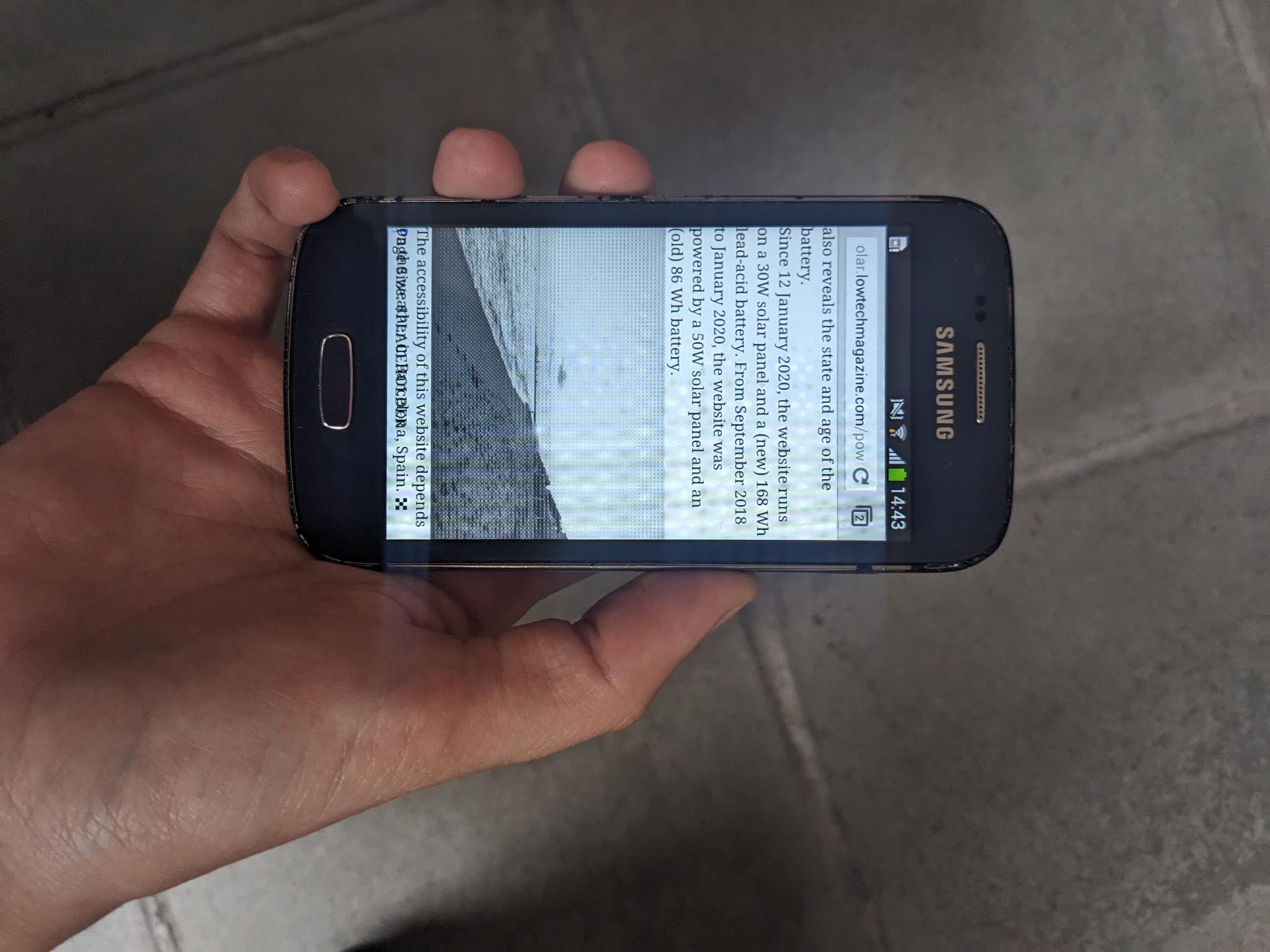
Let’s begin !
Do you want to follow this tutorial online?
In this case, click on the button below to start or head directly to the step-by-step instructions here
Are you a workshop participant?
In this case, you can follow online or download and print hand-out version: visit the Participant Hand-out Page and press ctrl + P or File (browser ) > print > destination > Save to PDF to download and print the PDF.
Are you planning and/or facilitating this workshop?
Head to our workshop preparation section to read some tips. You can also download the Facilitator Hand-out (simply press File (browser )> print > destination > Save to PDF to download and print the PDF).