Talking “server” to my phone : the terminal
To be able to turn our phone into a server (that is a computer that can send back information when asked to), we have to install a couple apps on there.
The main app is called Termux. You can access its technical documentation on this wiki. Termux is an terminal emulator and package collection. The app enables us to give direct commands to the computer (or phone) and download other software (piece of code packaged in folders).
Facilitator
In this part, we explain what a command-line interface (terminal) is and we download Termux.
WTF is a Terminal?
Facilitator
This theorical part (below) can be done in parallel of downloading Termux (see next step). For example, while we wait for the APK (install file) to download. In that case, maybe going faster and skip some images.
Before we just into the instructions for downloading Termux, let’s take some time to understand what we are doing. As we said, Termux is a terminal emulator but what is even a Terminal?
A CLI, Command Line Interface, also known as a terminal is an walk to communicate to the computer using text, instead of buttons or voice. It goes like this:
- A user types a line of command with his keyboard and presses enter
- The computer answers with an other line corresponding to the command: executing a task, providing information, downloading a package (pkg)
For example:
pkg update
...
[Installing package......99%]
Package successfully updated.
Every computer can be accessed via the CLI instead of the more familiar GUI, the Graphical User Interface that we are used to, with buttons, images, a mouse, a touch-screen, etc. On Linux and MacOS we can use the default Terminal app, on Windows there is _Windows Powershell or PUTTY.
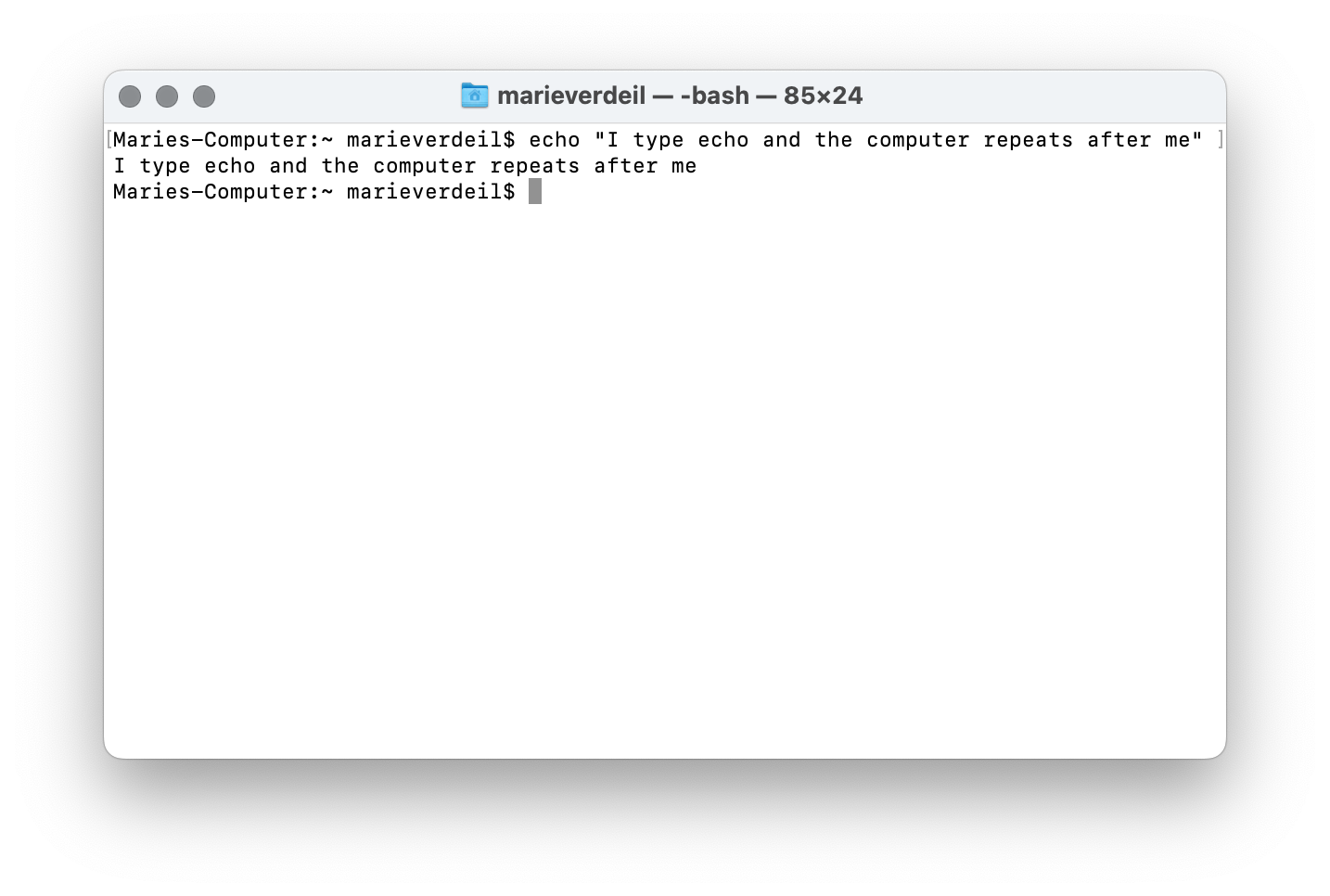
The command line is also how we communicate with computers that don’t have a screen and/or are far away, like servers!
Before the democratisation of home computers and the subsequent invention of the Graphical Interface, all tasks performed on the computer were executed through text command. Actually clicking on buttons, menus and folders is just a “user-friendly’ layer hiding what is really going on. Every “click / tap” triggers a command, or a series of commands to the computer too, we just don’t see the text anymore.
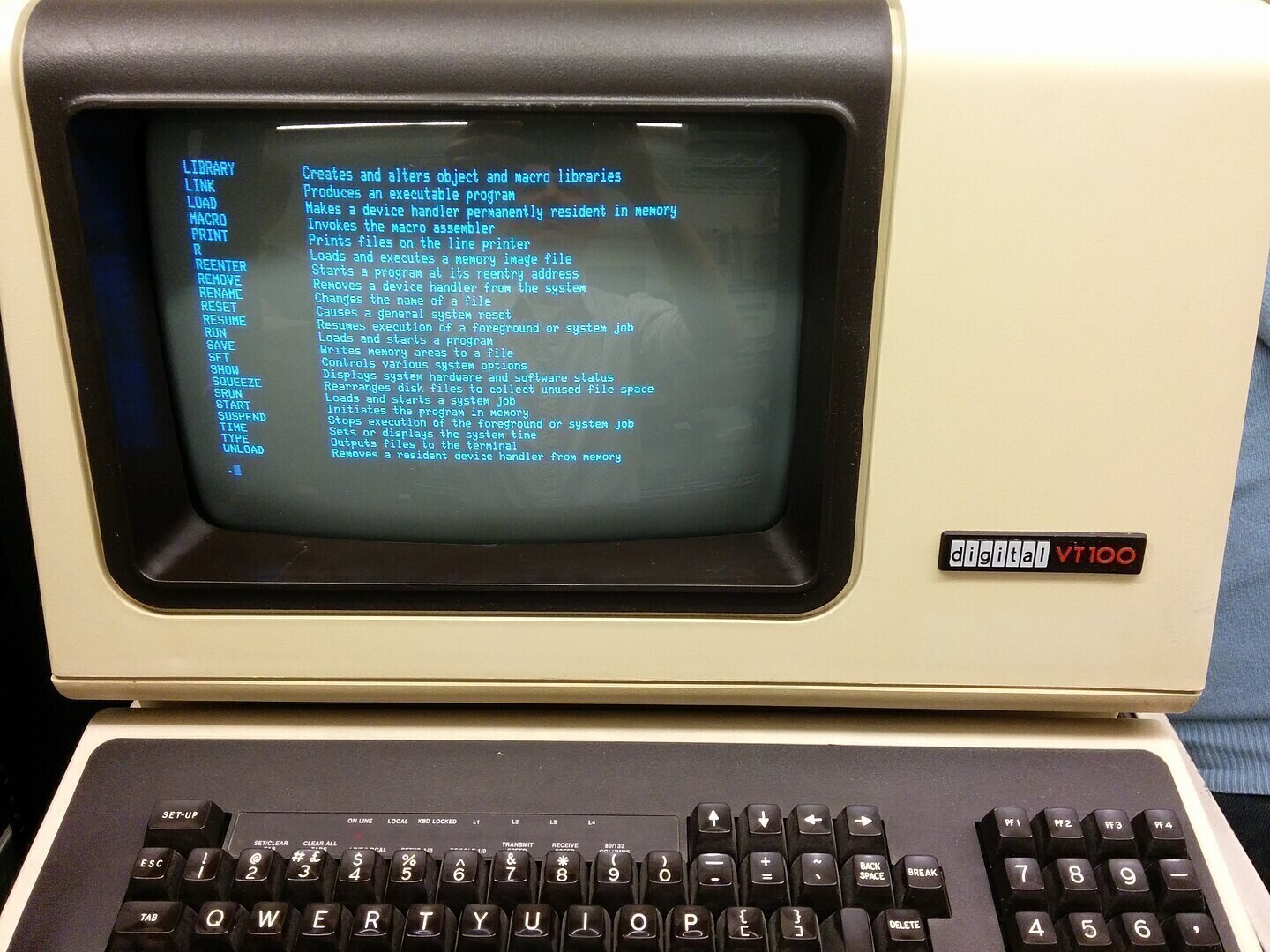
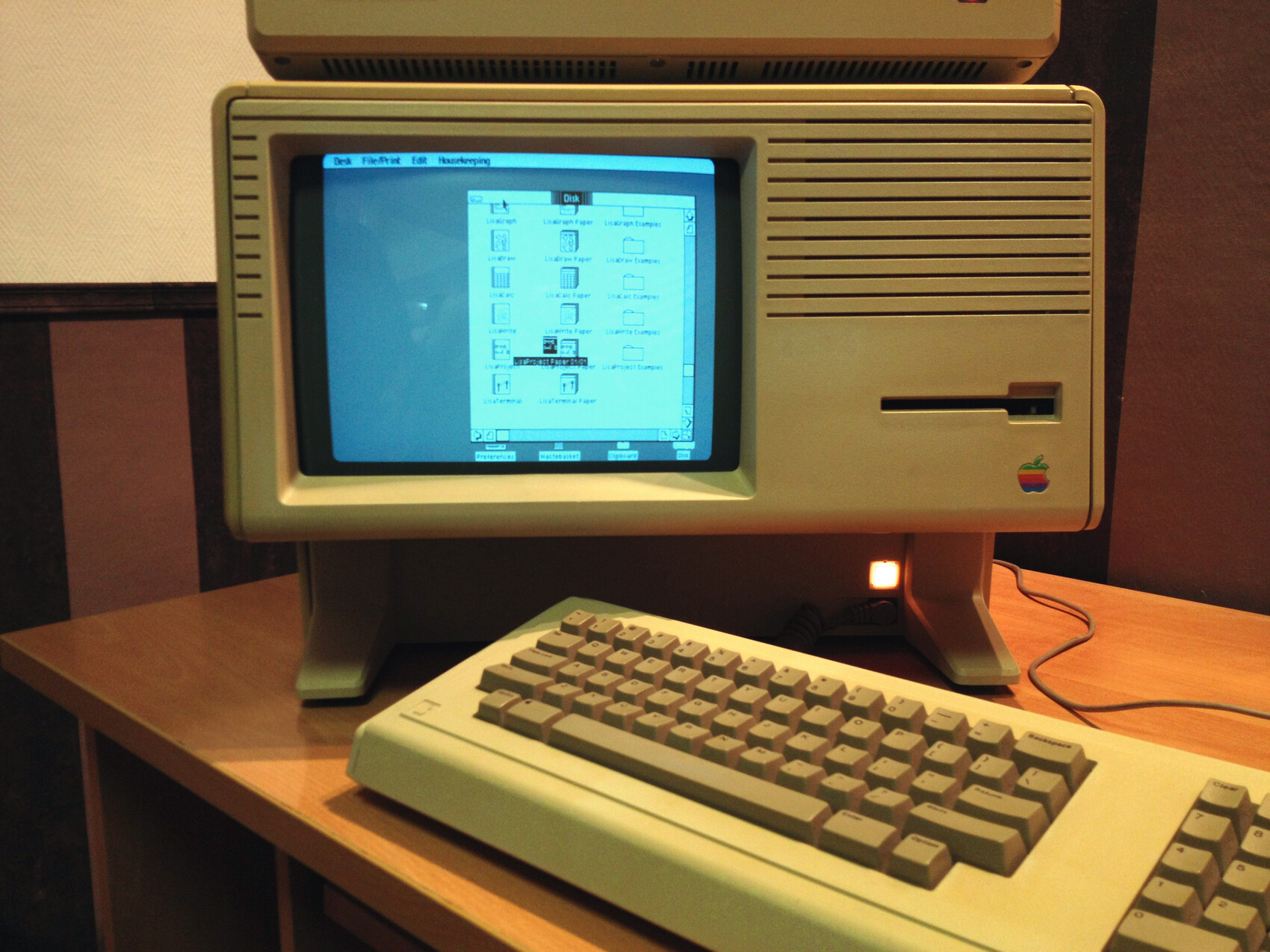
Termux is also a command-line interface but for Android phones. Because we are trying to turn our phone into a server, which is not its main function, we have to do it directly by typing command in a Terminal window, which is why we install Termux.