Install Termux
Facilitator
This is the part where it gets practical. Depending on the level of comfort with technology, each participant/ group of participants should have their own Android smartphone to follow the instructions. They should be connected to the Wi-fi. It’s easier if they can scan the following QR / type the url to access the page. That way they can also copy-paste some commands and follow the links.
What is my Android version?
To install the correct version of Termux, we first want to determine our phone’s version of Android (the operating system that runs a smartphone).
- Go to your phone’s Settings, all the way to the bottom and look into About phone.
- You should find a line with the Android Version.
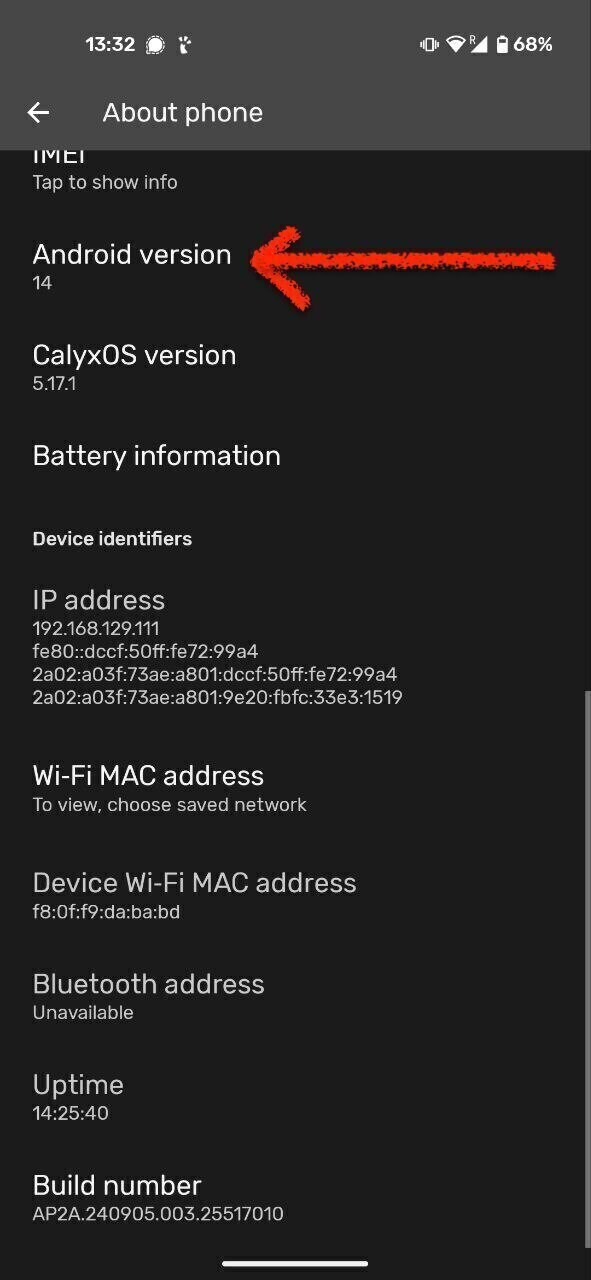
Too old for Termux?
If your phone runs Android 4 or less, then this tutorial with Termux won’t work. But there are other ways to give this smartphone a new life, see the Alternatives section.
Go to F-DROID
We will download Termux via F-Droid. F-Droid is an App store with only open-source apps. That means their code is visible to everyone so they aren’t any hidden trackers collecting your data.
No Google Play Store
While, you can also find Termux in the Google Play Store, it won’t work the same if you download it from there.
-
Go to Termux | F-Droid - Free and Open Source Android App Repository or download F-droid and then download the app from there.
-
Scroll all the way to the bottom: Download the stable (suggested) version (not beta) by selecting
Download APK. !!! warning “Android 5 or 6” If your phone runs Android 5 or 6, Download the universal package from here (selecttermux-app_v0.119.0-beta.3+apt-android-5-github-debug_universal.apk) -
Once downloaded, tap the APK on your device. If you don’t find it go to your Files app, under Downloads.
Malicious app?
Your browser might give you a warning about .APK being dangerous. No need to freak out! APK is just a type of file that installs an app, simply be cautious where it comes from, just like anything you download off the internet.
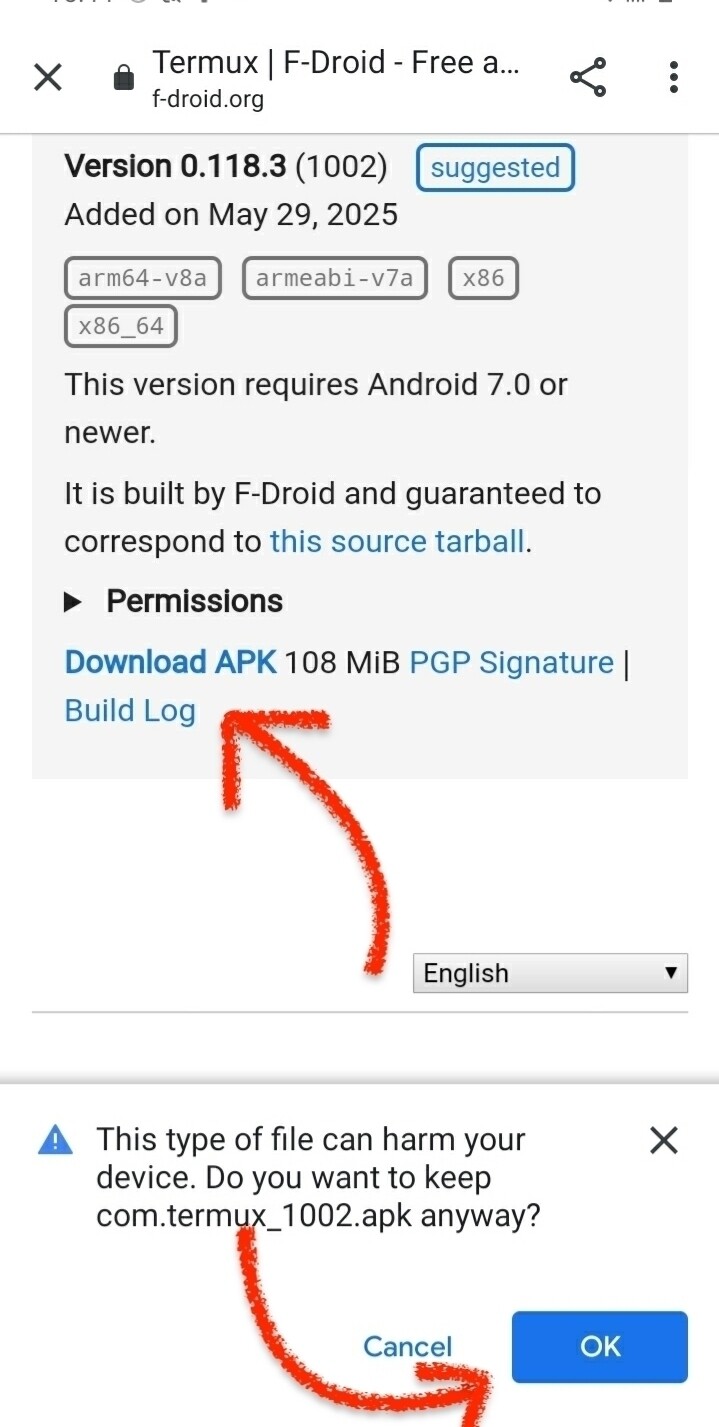
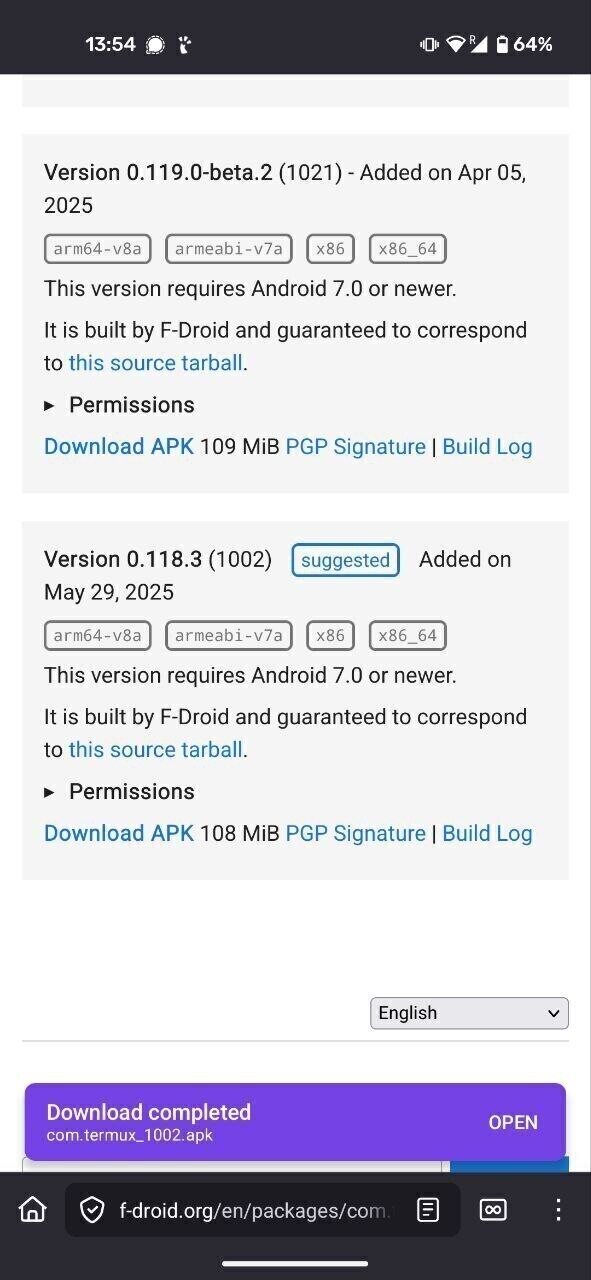
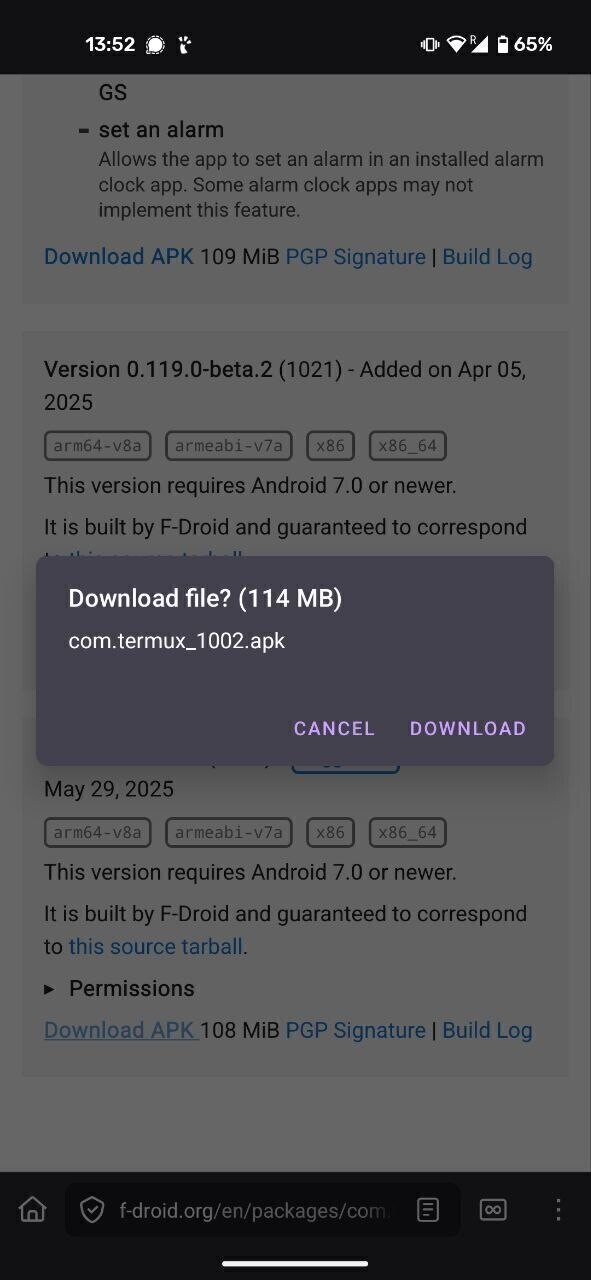
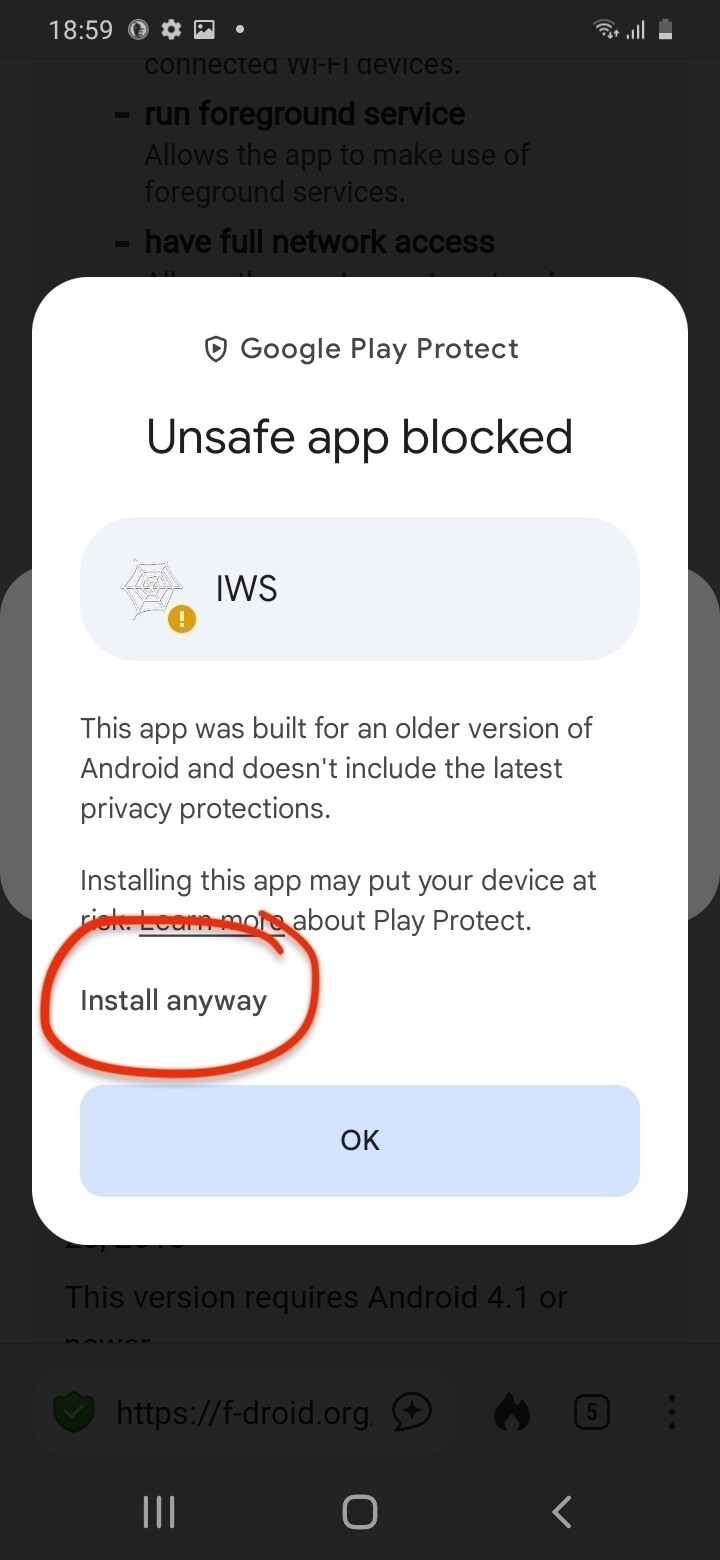
- Click install and accept.
- Tap allow installation of apps from unknown sources (you will need it for later) or go to the phone’s Settings to enable apps to launch from third-party apps and go back.
- Once installed, you will see the Termux launcher on your home screen and in your App Library.
Install Termux API (optional)
Facilitator
Termux API is optional, and is not useful if we are only making a web-server for demonstration purposes. With a more general audience it might be better to skip it.
For more advanced uses, Termux works best in combination with its sister app, Termux API Termux API allows you to control some of the phones’ hardware features, such as vibration, the camera, etc. Find documentation here.
If you would like to install Termux API, follow the instructions here before continuing to the next step.
Last configuration
Before we can start giving commands to our phone via the Termux Terminal, we make a final configuration for storage. Set-up Termux storage helps keep track of your files and folders (more info here)
Note
For every command, follow the same instructions as before: type the exact command, press enter, and wait.
- Make sure everything is up to date (package update and package upgrade)
pkg update && pkg upgrade -y
- Setup storage:
termux-setup-storage -y
- Allow access of Termux to the phone storage, photos, etc.
Known bugs
On some old Samsungs, the text we were typing in Termux wasn’t showing up. We simply downloaded a free and open-source keyboard app on F-DROID called Simple Keyboard instead of Samsung’s built-in version and using that fixed it!
Break time?
If we didn’t do it before, this is a good moment for taking a break, and catch up with the participants running into issues.